8 (905) 200-03-37 Владивосток
с 09:00 до 19:00
CHN - {.value_156_valueN.} руб. Сайт - 21.13 руб.

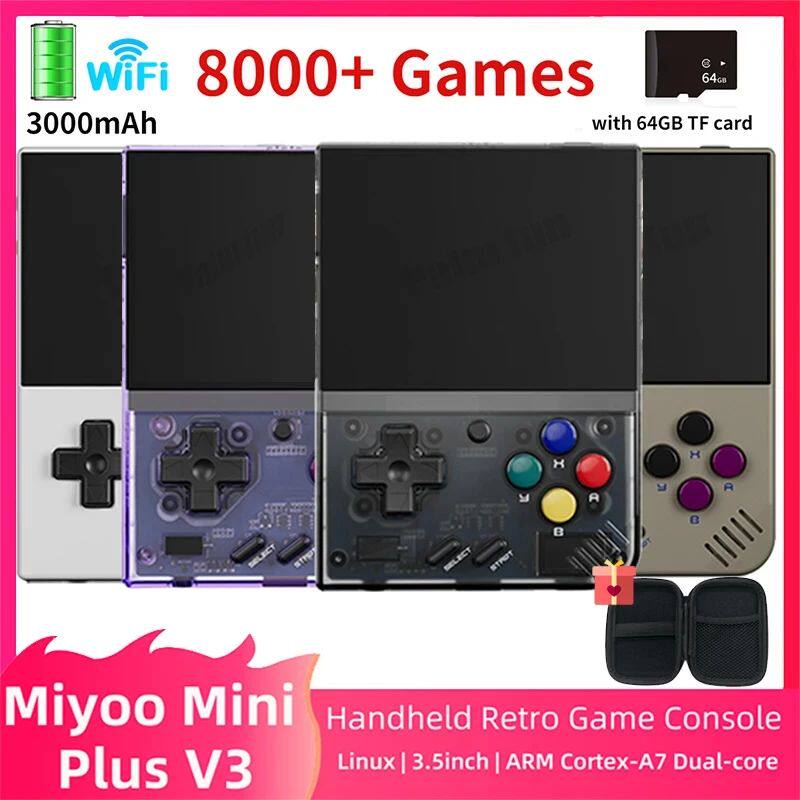
[Miyoo Mini Plus V3 Retro Handheld Game Console 3.5Inch IPS H]

Цена: 9 435-11 913руб.    (¥448)
Артикул: 858171037726

Вес товара: ~0.7 кг. Указан усредненный вес, который может отличаться от фактического. Не включен в цену, оплачивается при получении.

Этот товар на Таобао Описание товара
Продавец:家姨
Рейтинг:
Всего отзывов:0
Положительных:0
Выберите вариацию / цвет
  • [中国大陆 NO Card]
  • [台版 64G]
  • [国行 128G]
Выберите размер / комплектацию
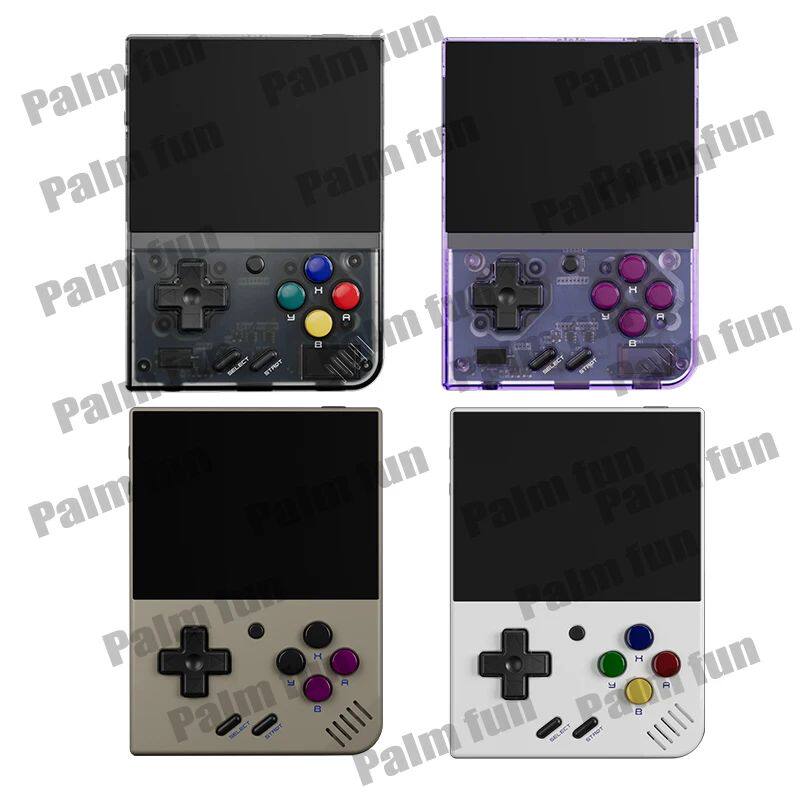
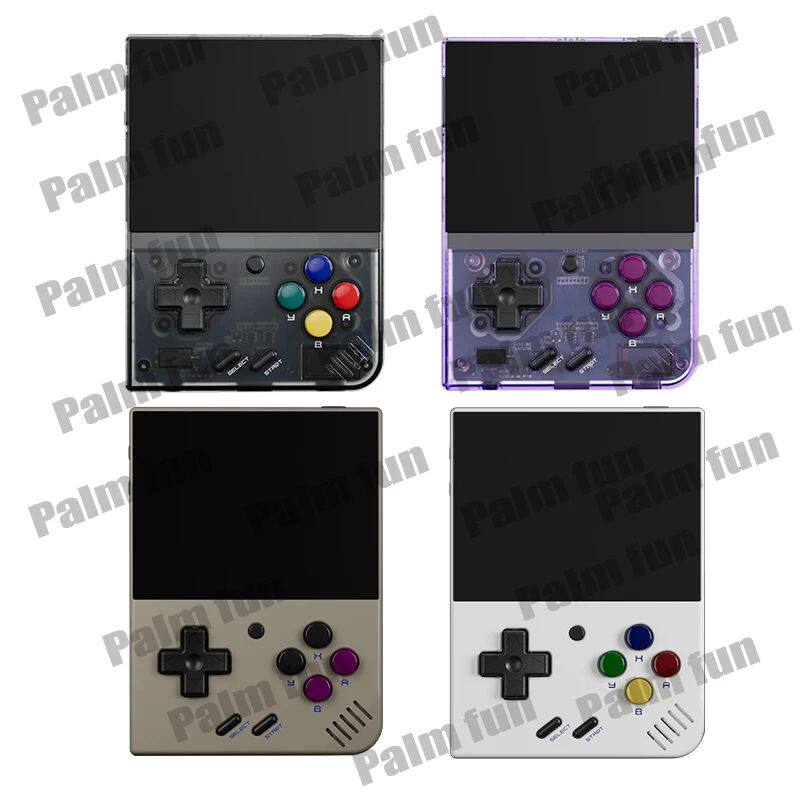
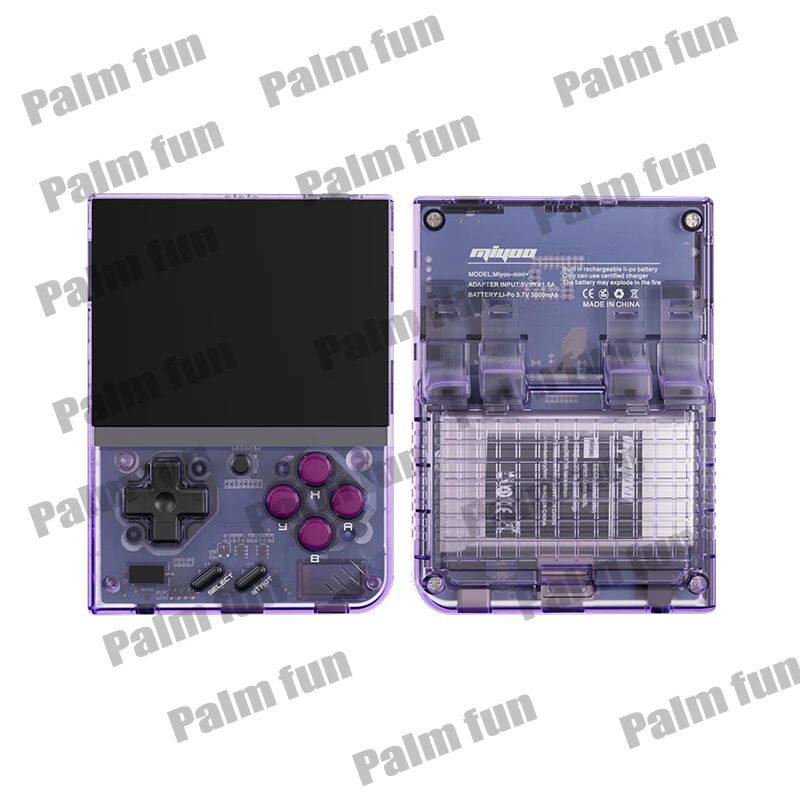
  • 128GB Purple
  • 128G Grey
  • 120GB Black
  • 100GB White
Добавить в корзину
Другие товары этого продавца
¥390.18 216руб.
¥347.477 318руб.
¥389.18 195руб.
¥448.79 450руб.
Объем памяти: 100GB White, 120GB Black, 128G Grey, 128GB Purple
[版本类型]: [中国大陆 NO Card], [台版 64G], [国行 128G]


PRODUCI PARAMETER:


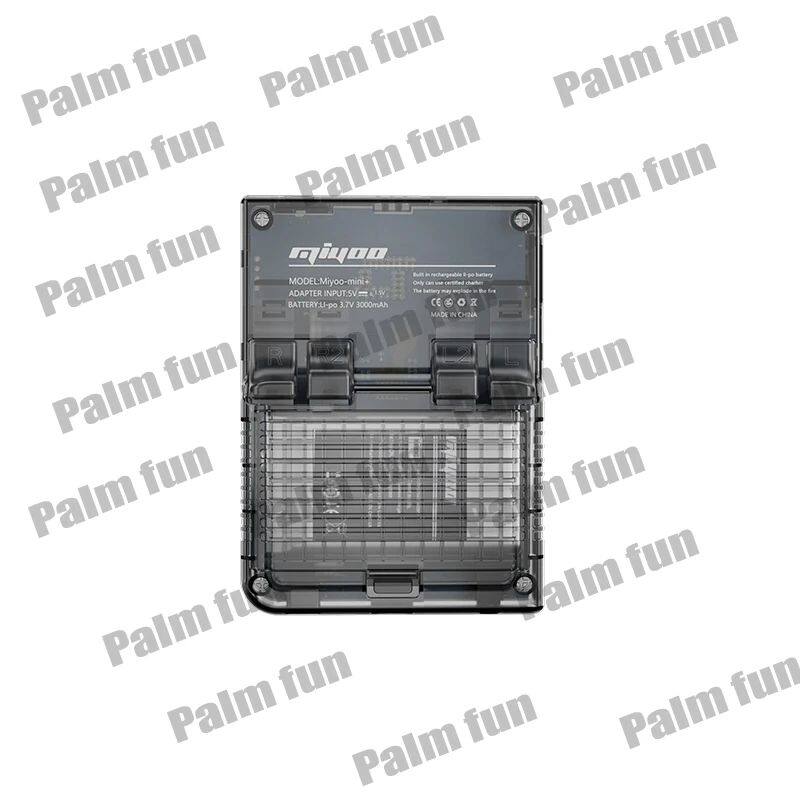
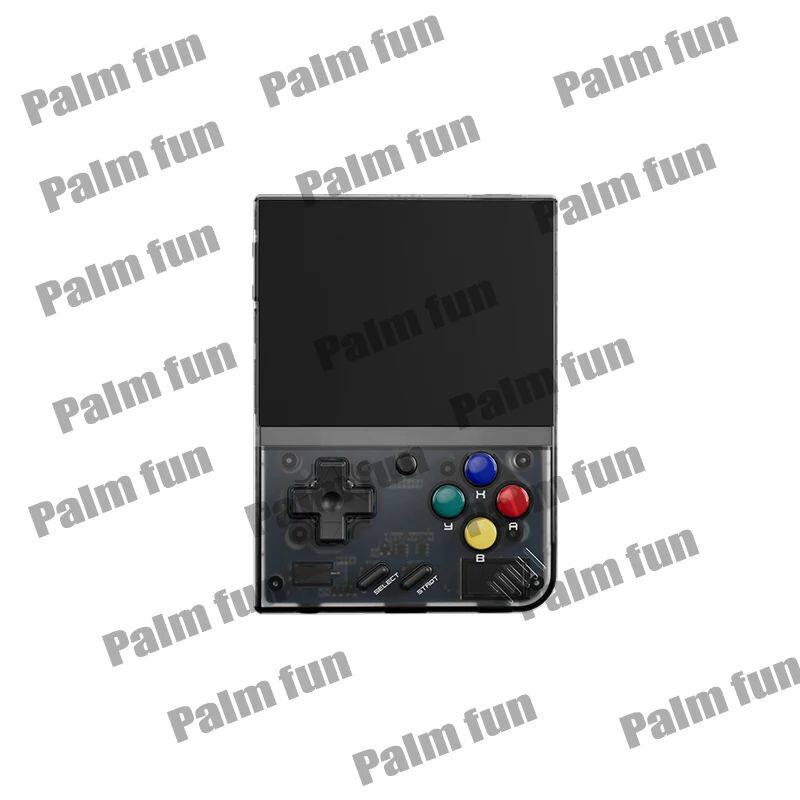
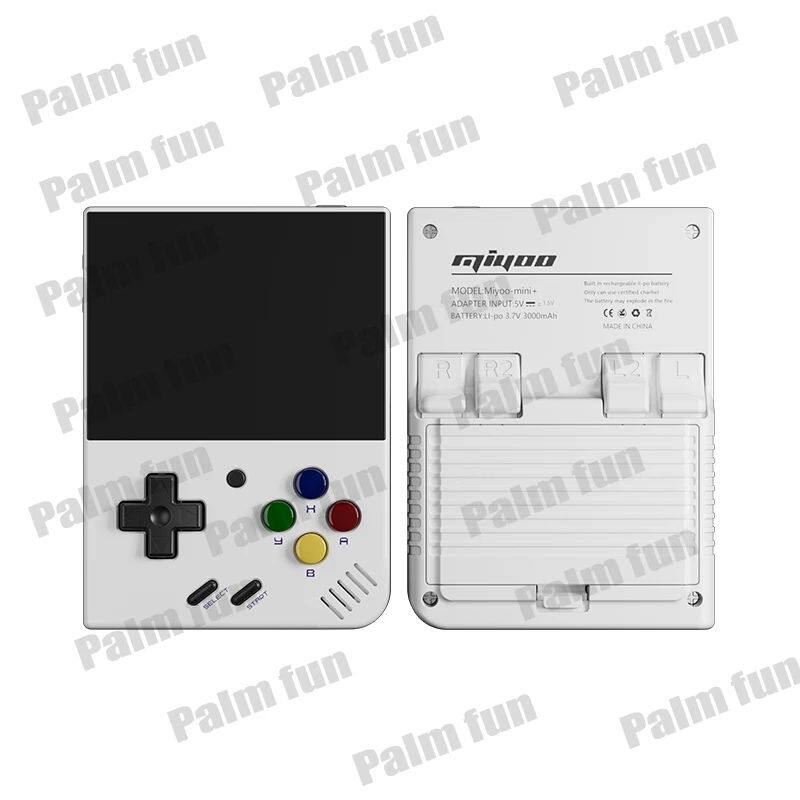
Model: MIYOO-mini+


Screen size: 3.5-inch IPS screen


Resolution:640*480


Memory: 128MB


Operating system: Linux


Sensor: Vibration Motor


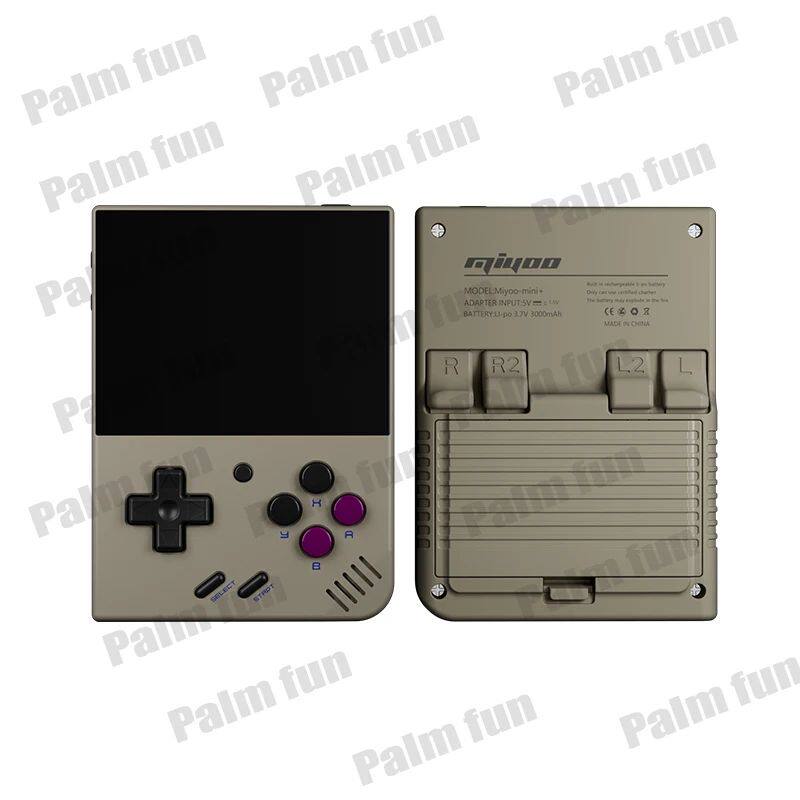
Color: Vintage Gray, White


CPU: Cortex-A7 dual-core Arm 1.2g


[language:Chinese,Traditional Chinese,Korean,Japanese,Spanish,English]


Input power:5V/1A


Battery life:About 4-5 hours


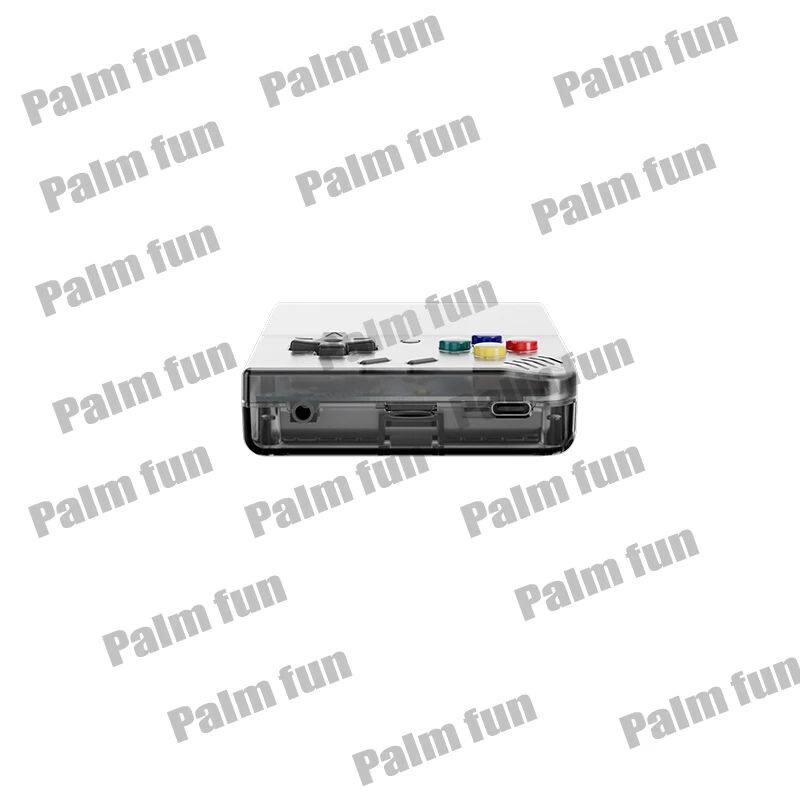
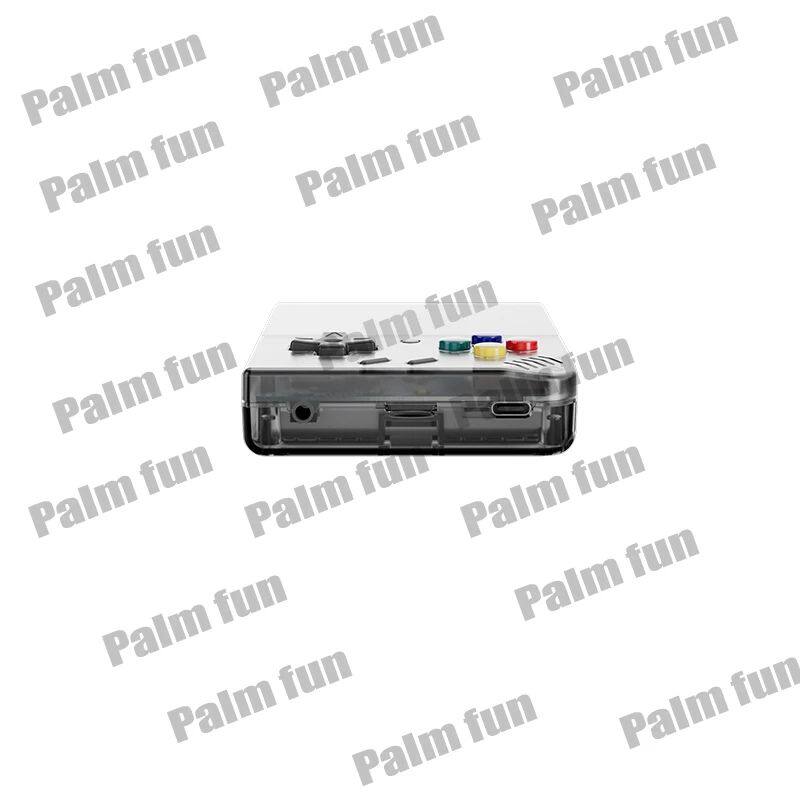
Interface:Type-C


Earphone:Standard 3.5mm


[Other:Brightness adjustment,key mapping,sleep...]


[Storage expansion: 32GB MicroSD (TF) card supports up to 128GB expansion]


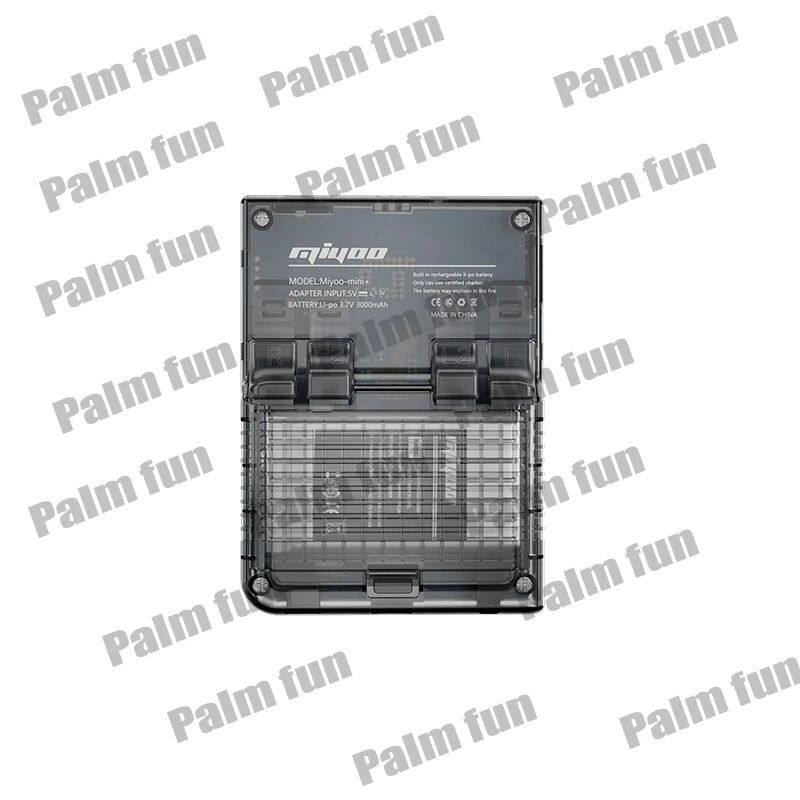
[Power: 3.7v 1900mah 5v charging interface supports 1A]


[Game Support DC,PS,CPS1,CPS2,CPS3,FBA,WSC,NEOGEO,GBA,GBC,MAME,and other simulator games,support users to self-download related format games]


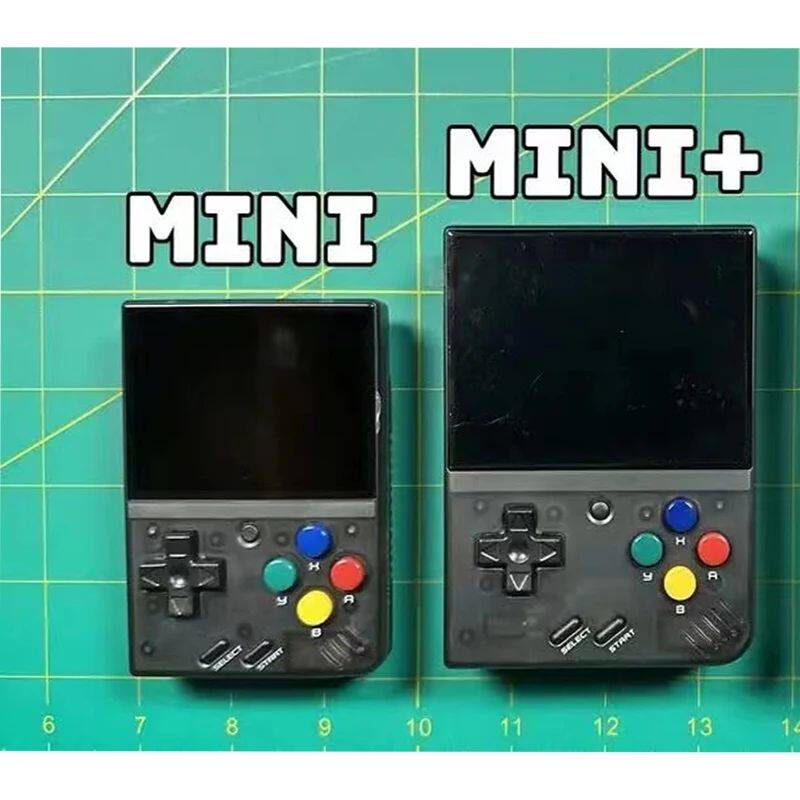
Specifications: 93.5mmX65mmX18mm


Weight: 110g

Specifications:


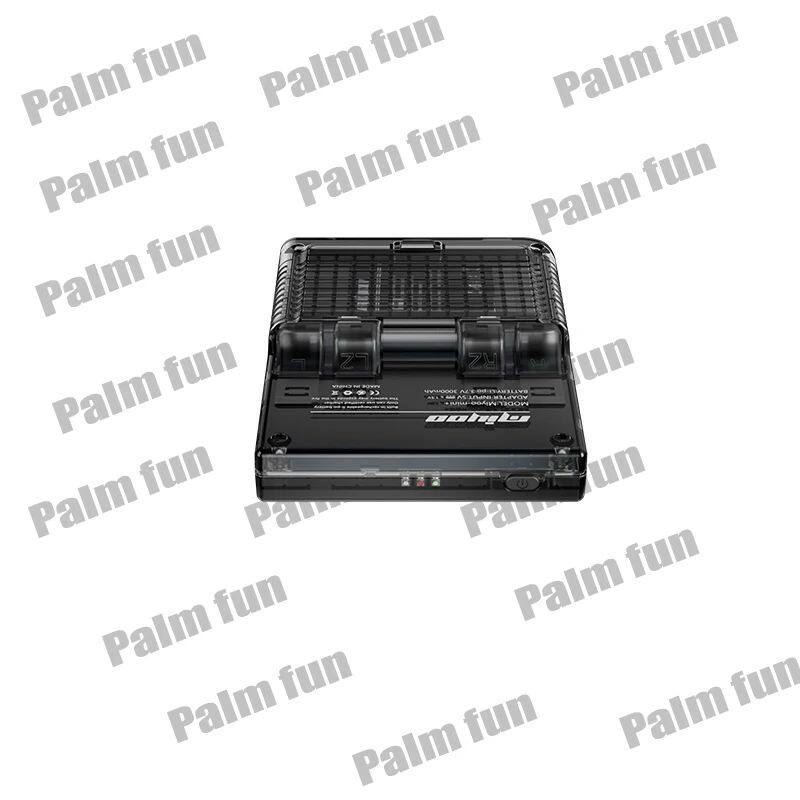
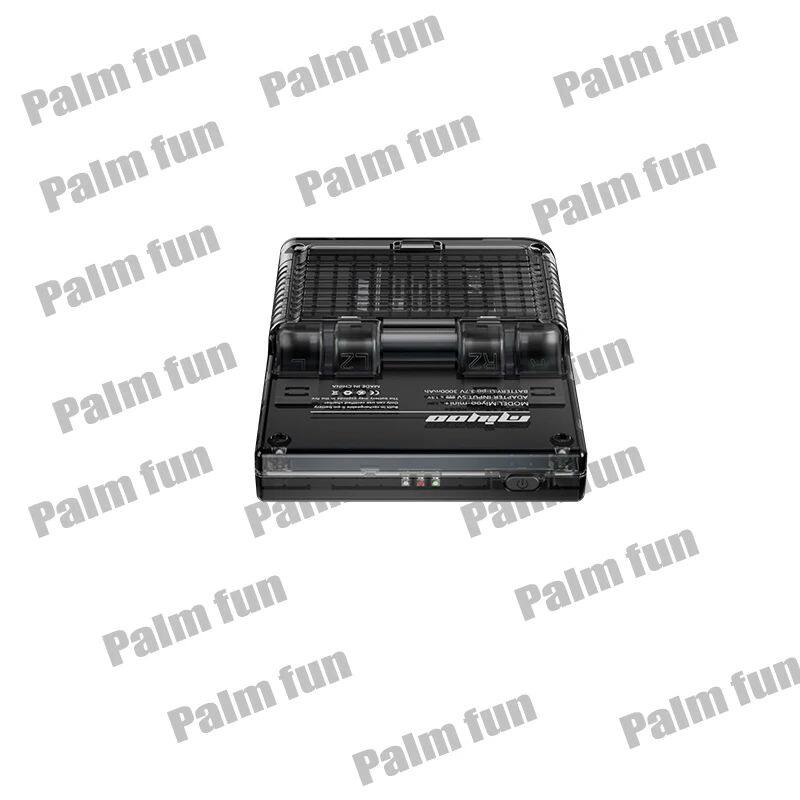
[【Indicator light】:]

Steady green light: enabled

Steady red light: charging

Steady blue light: charging complete


[【Start using】:]

[1. Insert the installed TF card into the TF card slot;]

[2. Charge the device to ensure normal startup;]

[3. Power on: Press and hold the power button for 1 second.]


[【How to install the game】]

[1. Take the TF card out of the machine, insert the card reader to connect to the computer, and copy the ]"game ROM"[ to the folder corresponding to the game type in the TF card;]

[2. Insert the TF card into the TF card slot, press (MENU) to open MENU, and select ]"Refresh ROM".


[【Switch】:]

[Power on: press and hold the power for 1 second]

[Power off: Press and hold the power for 3 seconds to open the power off menu, and press (A) to power off.]


[【Idle Mode, Sleep Mode and Wakeup】:]

[After 60 seconds of no operation, it will enter idle mode, and the screen will dim;]

In idle mode, press any key to wake up;

[5 minutes of no operation or short press the power button to enter sleep mode, turn off the screen and make a sound,]

[And automatically shut down after 10 minutes of inactivity after entering sleep mode,]

[You can set sleep time or disable sleep in settings options;]

[In sleep mode, press the power button to wake up.]


[【Firmware upgrade】:]

1. Shutdown state.

[2. Put the image file in the root directory of the TF card,]

[Insert the TF card slot, connect the charging cable to enter the charging mode, and automatically start charging and upgrade. Do not power off during the upgrade process.]


[【Start using】:]

[In the game directory, select a game and press (A) to start the game.]


[【Exit the game】:]

[In the game, press (Menu) to open the menu, select the ]"Exit" option, press (A) to exit the game.


[【Save or read game progress】:]

[In the game, press (Menu) to open the menu, select the ]"Save" or"Load" option,

[Press the direction keys (LEFT, RIGHT) to select the recording position, press the (A) key]

[Save or read the current progress. A game can save up to 10 records.]


Note:

Due to the differen

Package Included:

Host*1

Charging cable*1

Card reader*1

Manual*1

Matching package*1